Getting Started
Company User Synchronization
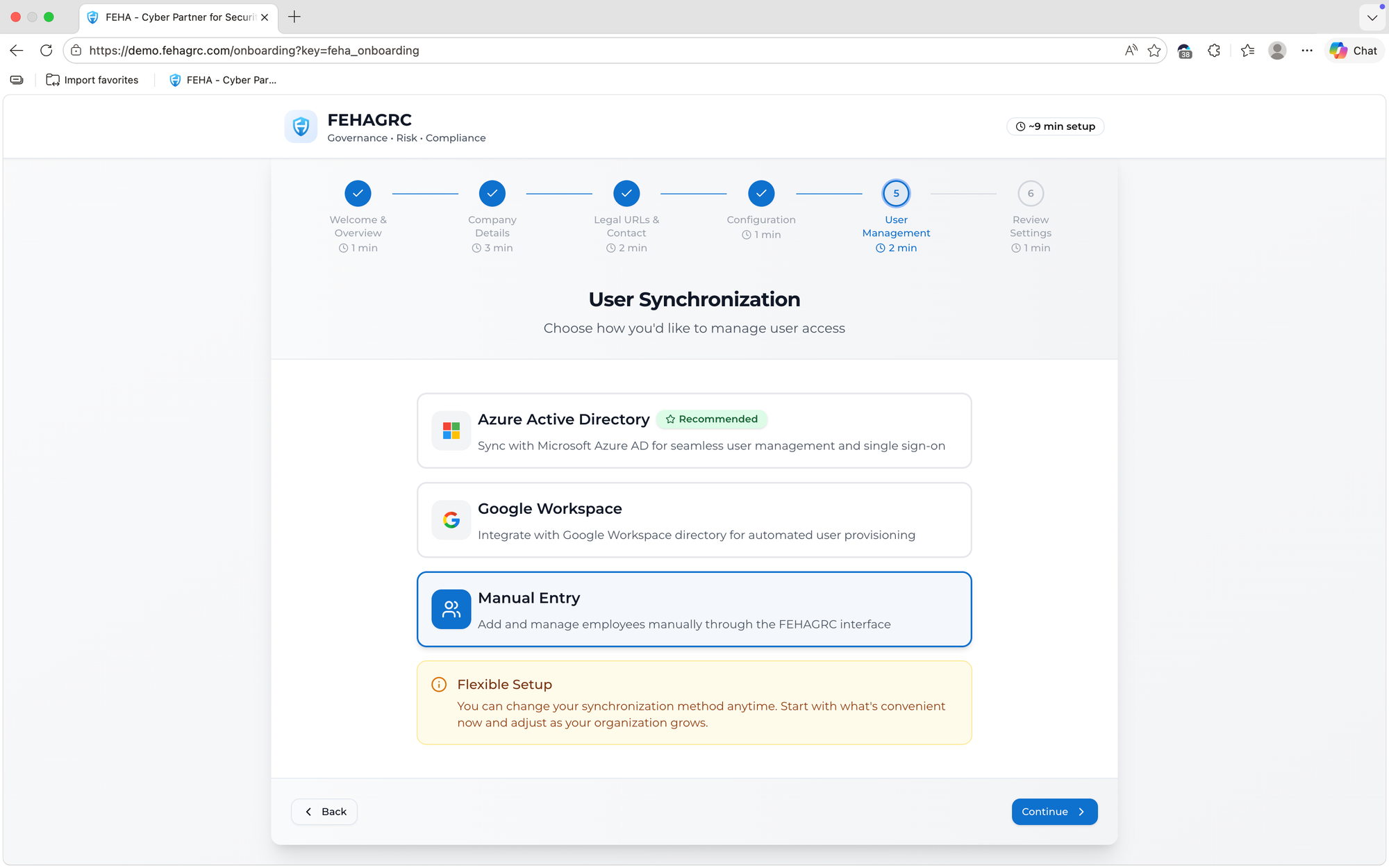
Company User Synchronization in FEHAGRC automatically creates user accounts for employees based on their company email by integrating with Google Workspace and Microsoft Azure Active Directory. During onboarding, the system securely retrieves employee data from these identity providers and generates user profiles without manual input, ensuring accurate and efficient account provisioning.
Microsoft Azure
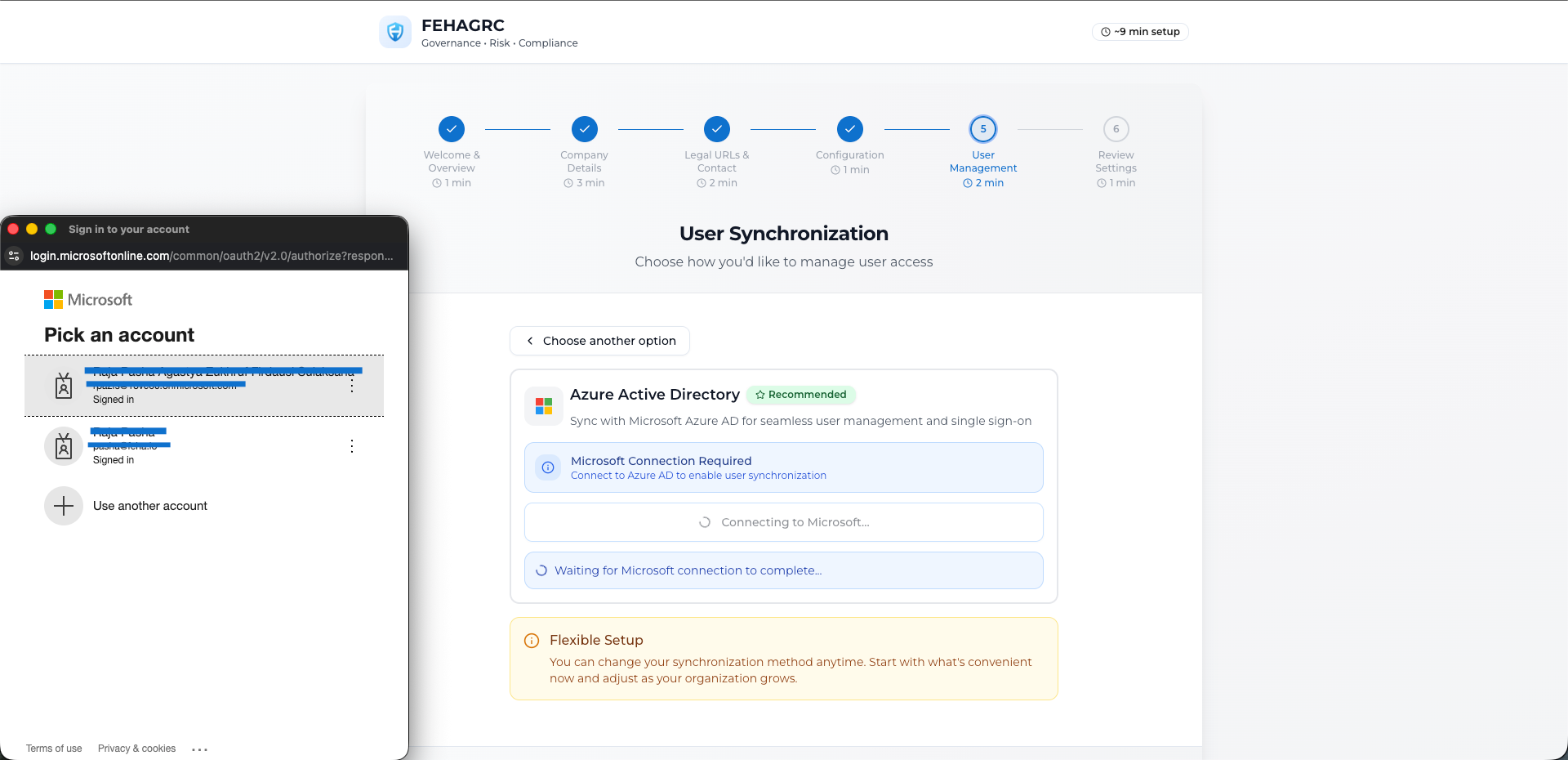
Select a Microsoft account to log in to get approval to connect Microsoft Azure with FEHAGRC.
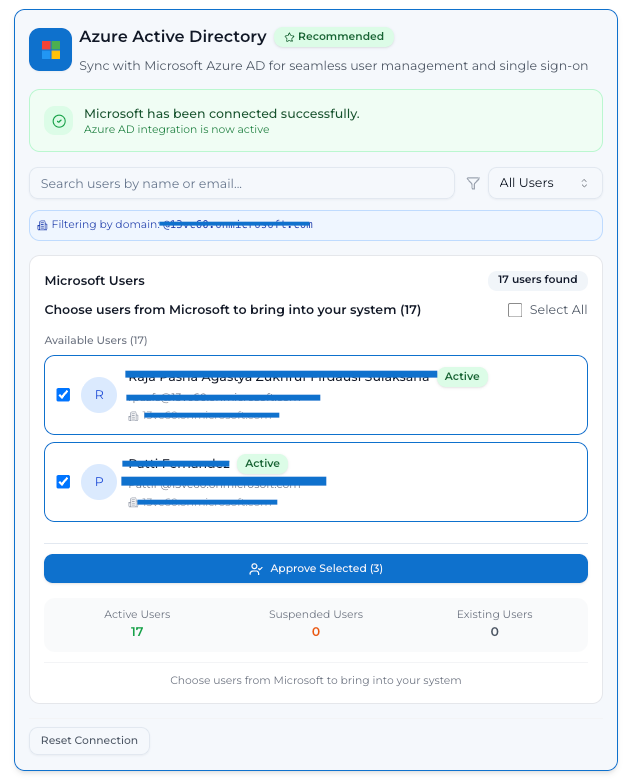
Sorting the list of employee accounts in Microsoft Azure to create FEHAGRC accounts.
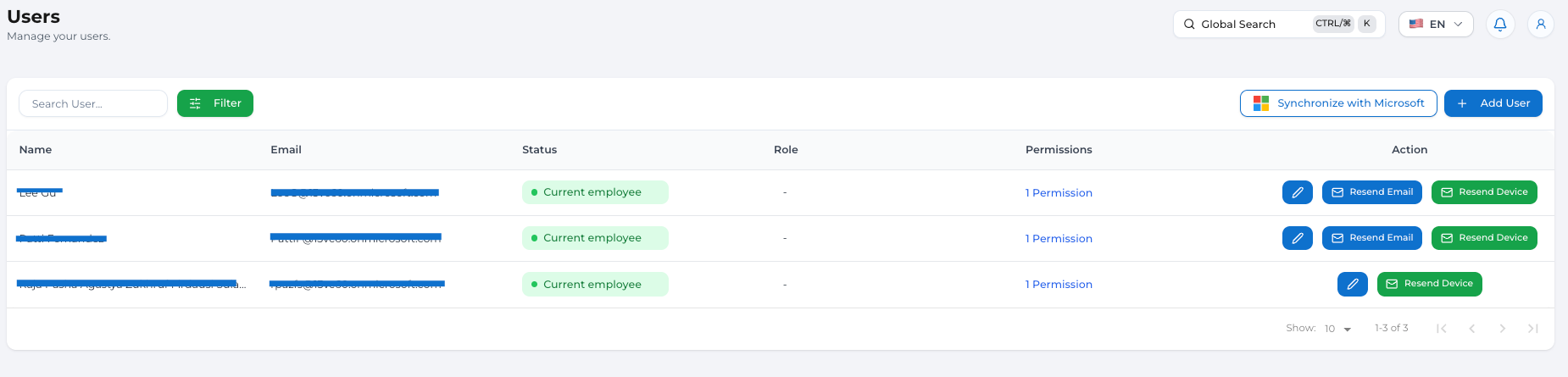
Check the list of Microsoft Azure accounts integrated with FEHAGRC on the users page
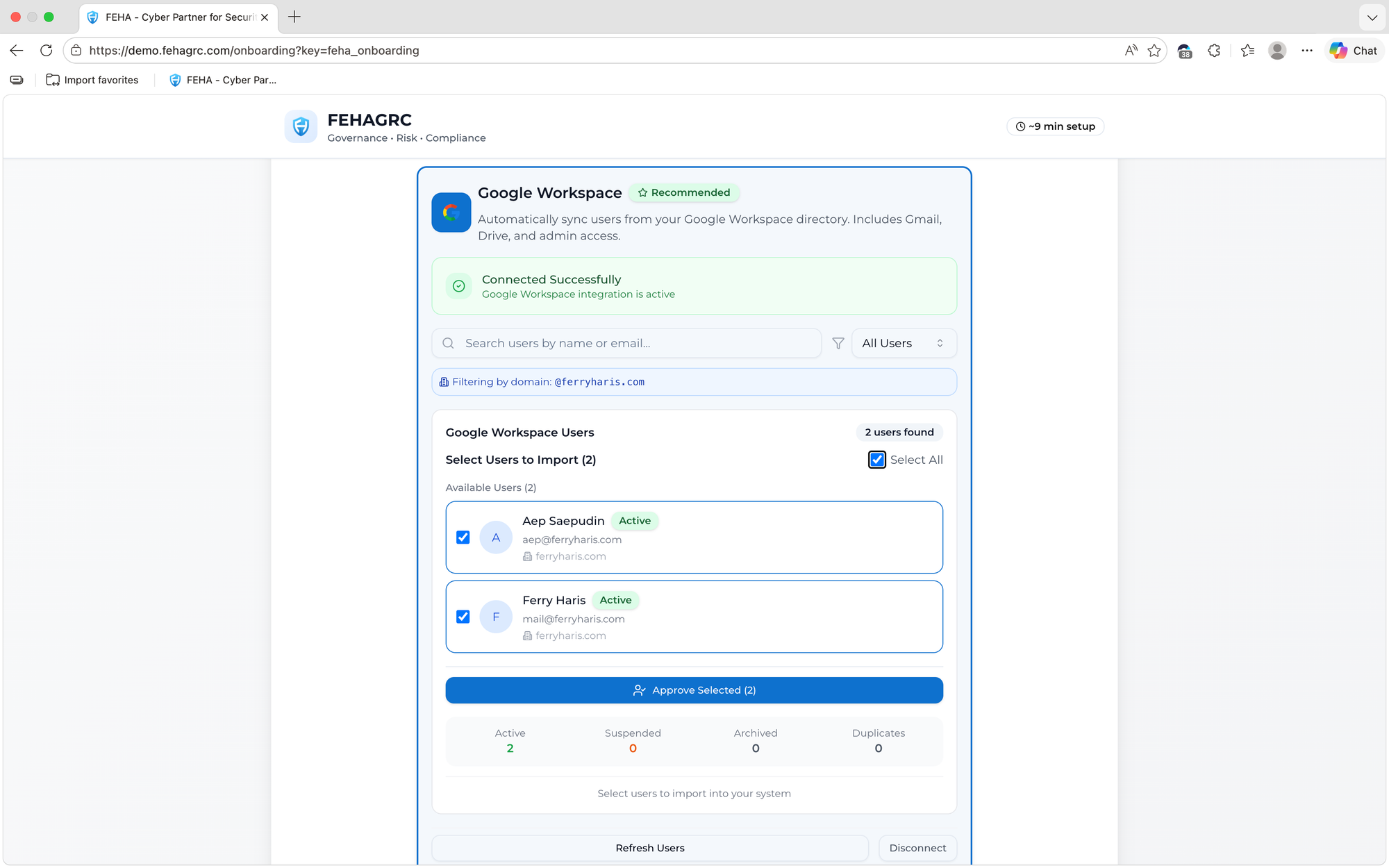
Google Workspace
Select a Google account to log in to get approval to connect Google Workspace with FEHAGRC.
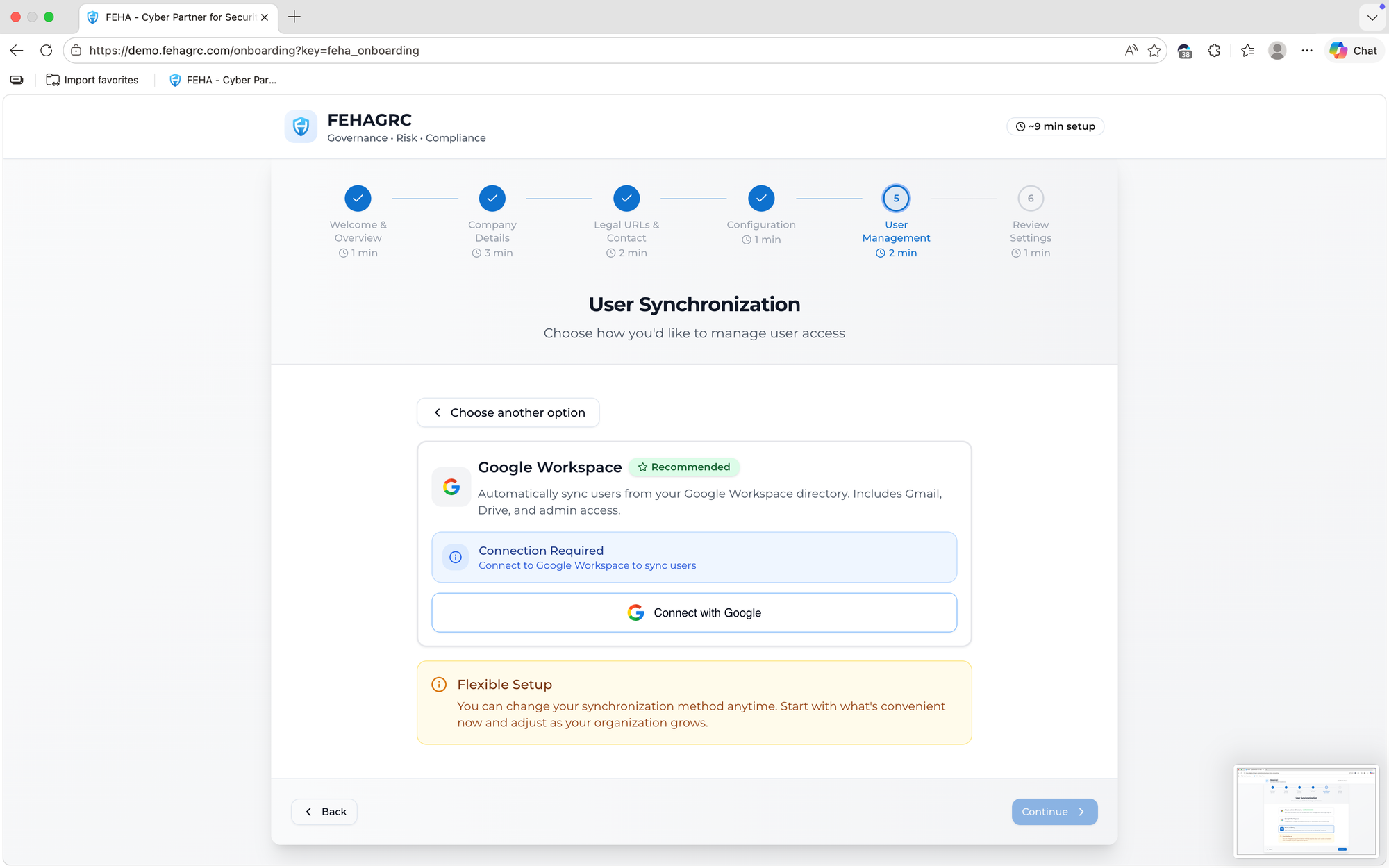
Confirming the integration agreement between Google Workspace and FEHAGRC.
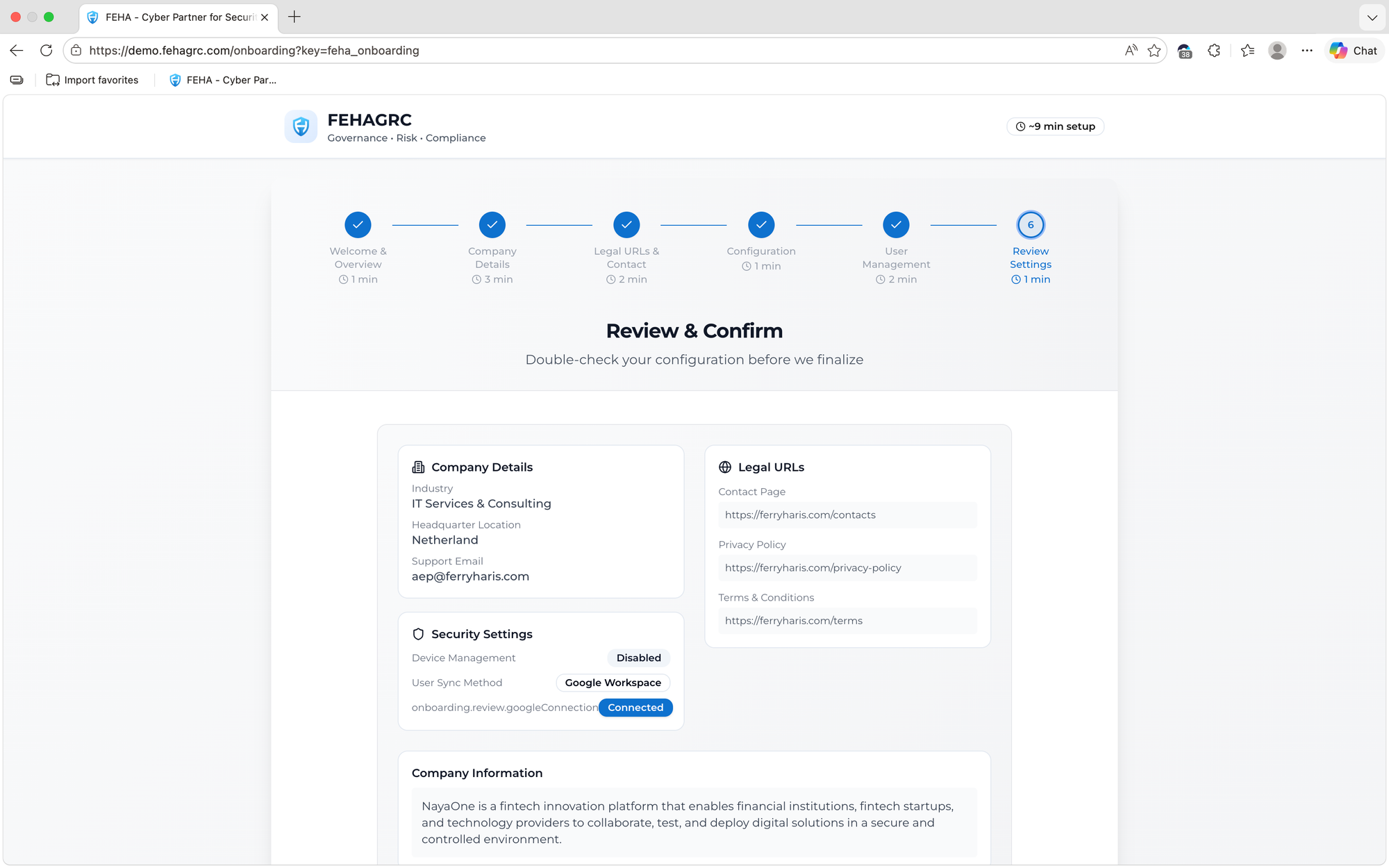
Sorting the list of employee accounts in Google Workspace to create FEHAGRC accounts.